The whole production, run by Cinebody.
Cinebody plans the shoot, coaches every filmer, grades every clip, and hands you a video in one click. The people are real.
Book a Demo Follow the pipelineTrusted by Nike, Royal Caribbean, Dell, and 100+ brands
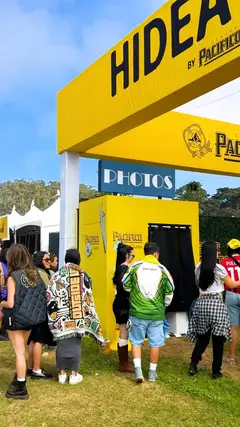


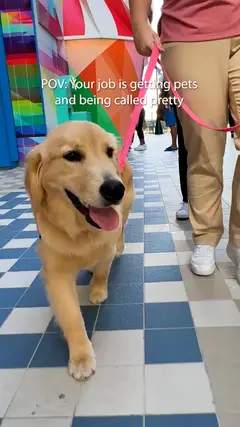



Run a global shoot without leaving your desk.
Send one brief to filmers anywhere and get organized, on-brand footage back in real time, with no crews to fly in and no weekends lost to logistics.
Send the link
Share a link or QR code. Anyone is filming in seconds, from any phone.
Cinebody runs the shoot
Cinebody briefs each filmer, coaches every shot live, and scores takes as they come in, from anywhere in the world.
Produce a cut with a click
Footage syncs to your dashboard ready for editing. In one click Cinebody hands back an edited, captioned video, ready to publish.
Inside the platform.
What each part of Cinebody actually does, in the order you'll use it. Click any screen to take a closer look.
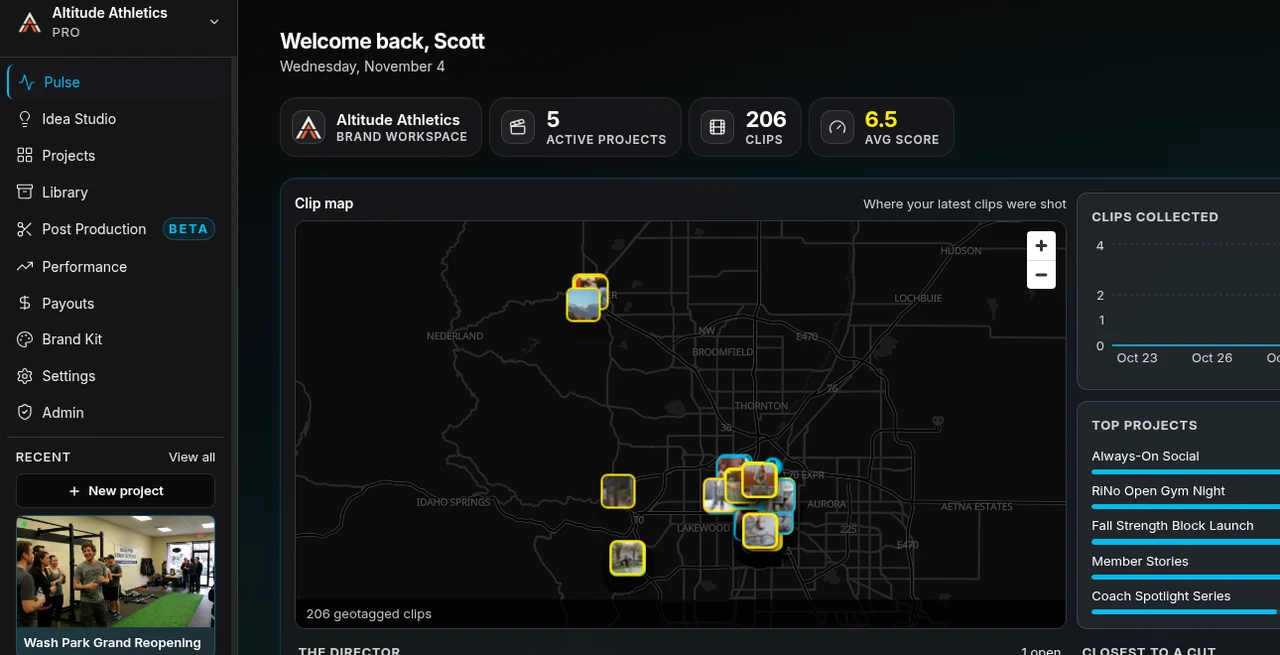
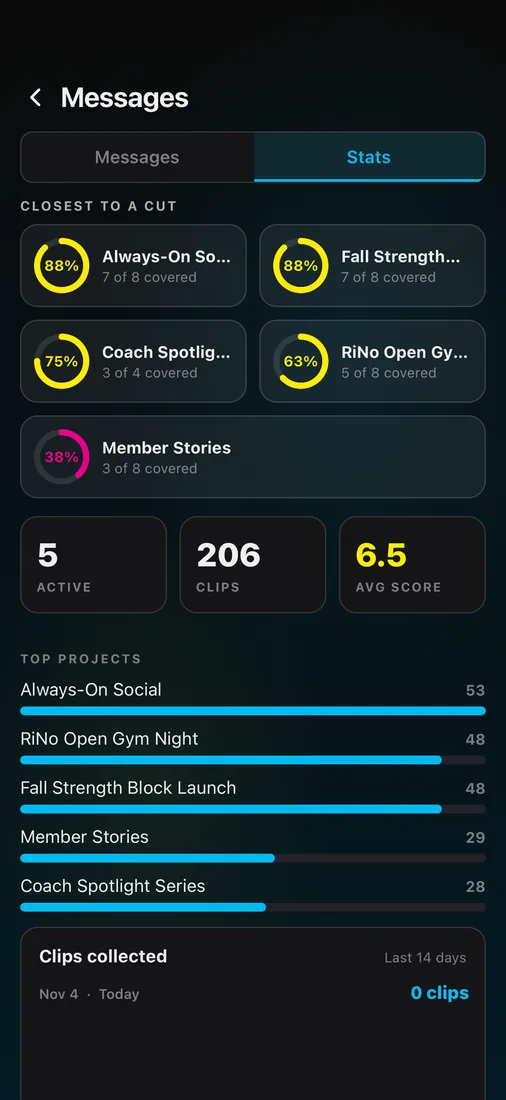
See everything happening, live
One screen with the whole operation: where clips are being filmed right now, how quality is trending, which projects need you, and every filmer conversation. On your desk or in your pocket.
From idea to plan in a minute
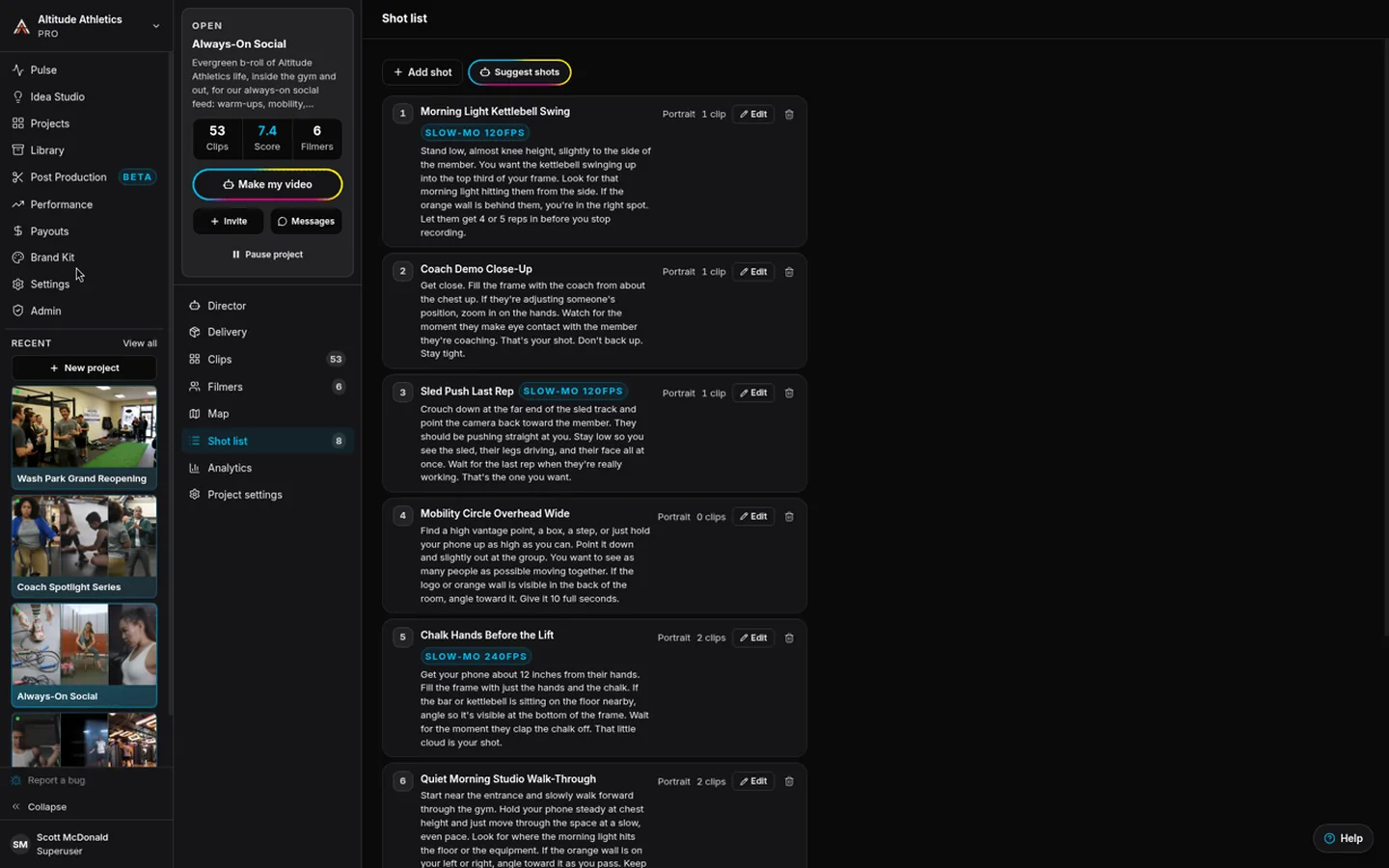
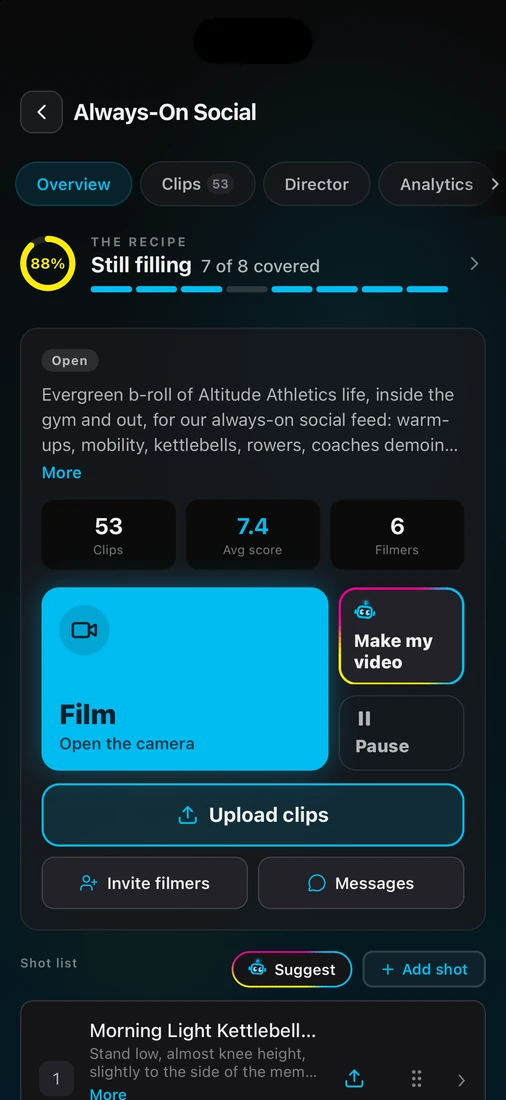
Stuck? Idea Studio deals you shoot ideas built on your brand; keep one and it becomes a project. Then generate a shot list automatically from the brief with plain directions, orientations, even slow-mo flags. Edit anything you'd like, invite your filmers, and you're live.
Every filmer gets a director
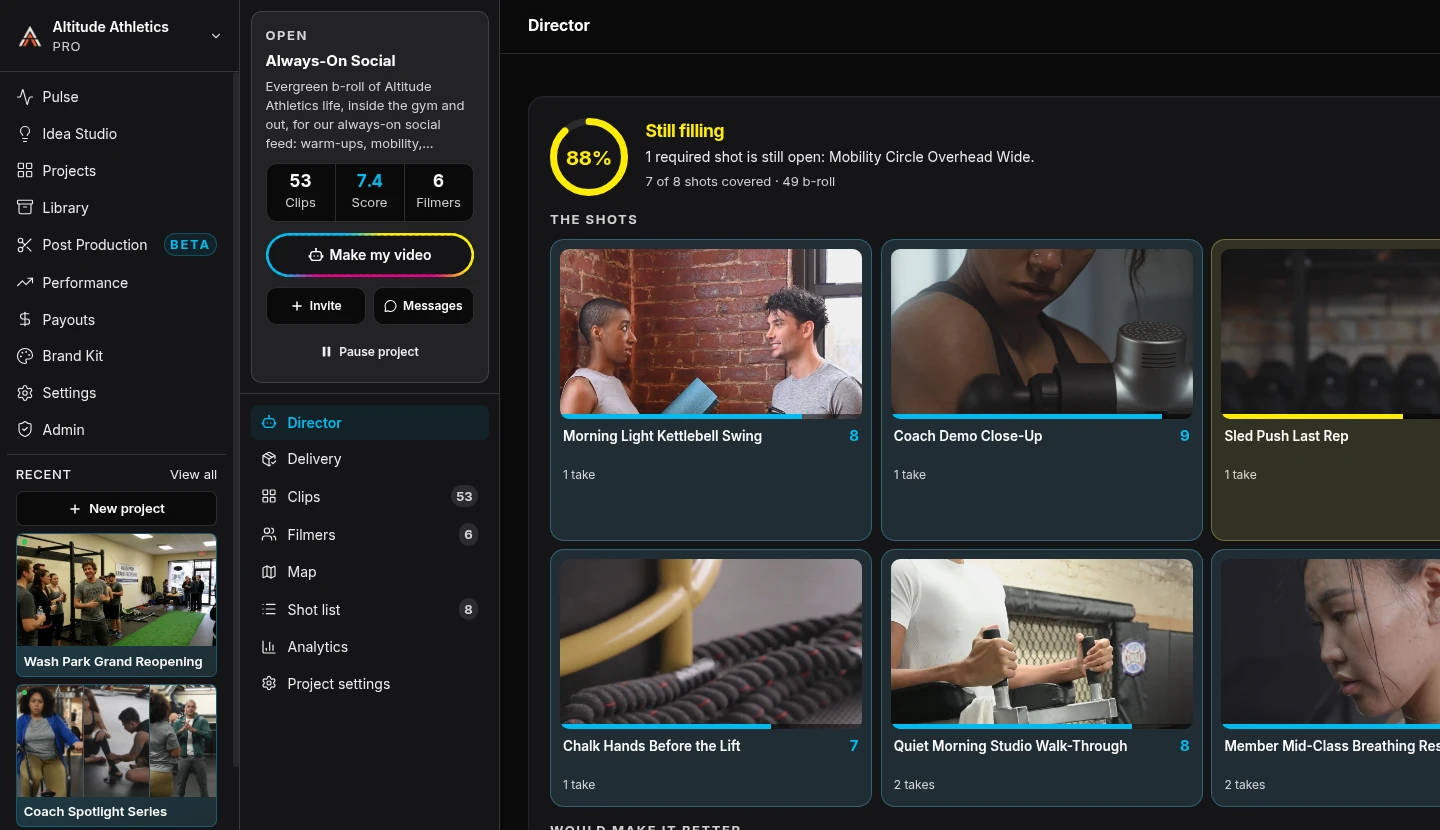
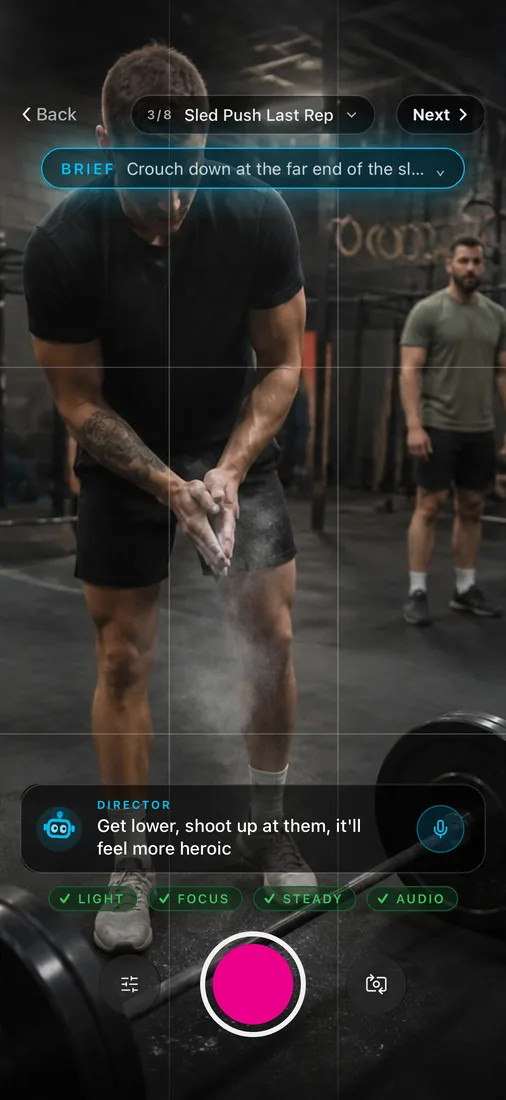
The camera opens with the shot's brief right on screen, and Cinebody checks framing, light, focus, steadiness, and audio live while they film. When every check clears, they nailed it. First-take footage from anyone.
An interviewer in every pocket
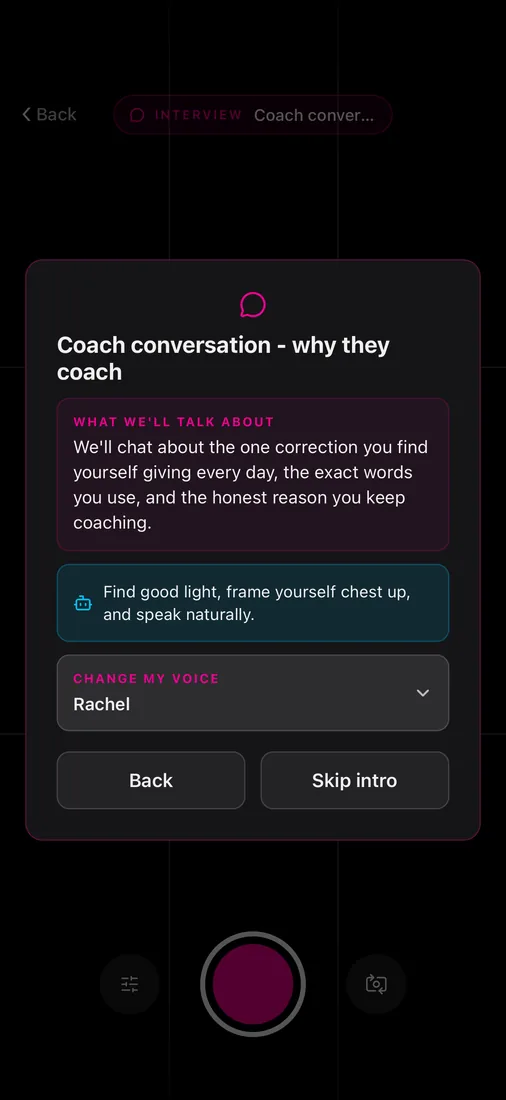
For story shots, Cinebody interviews people out loud, listens to the answer, and asks the follow-up a director or producer would. Real stories pulled out of anyone, on any phone, in any city.
Run the shoot from your desk
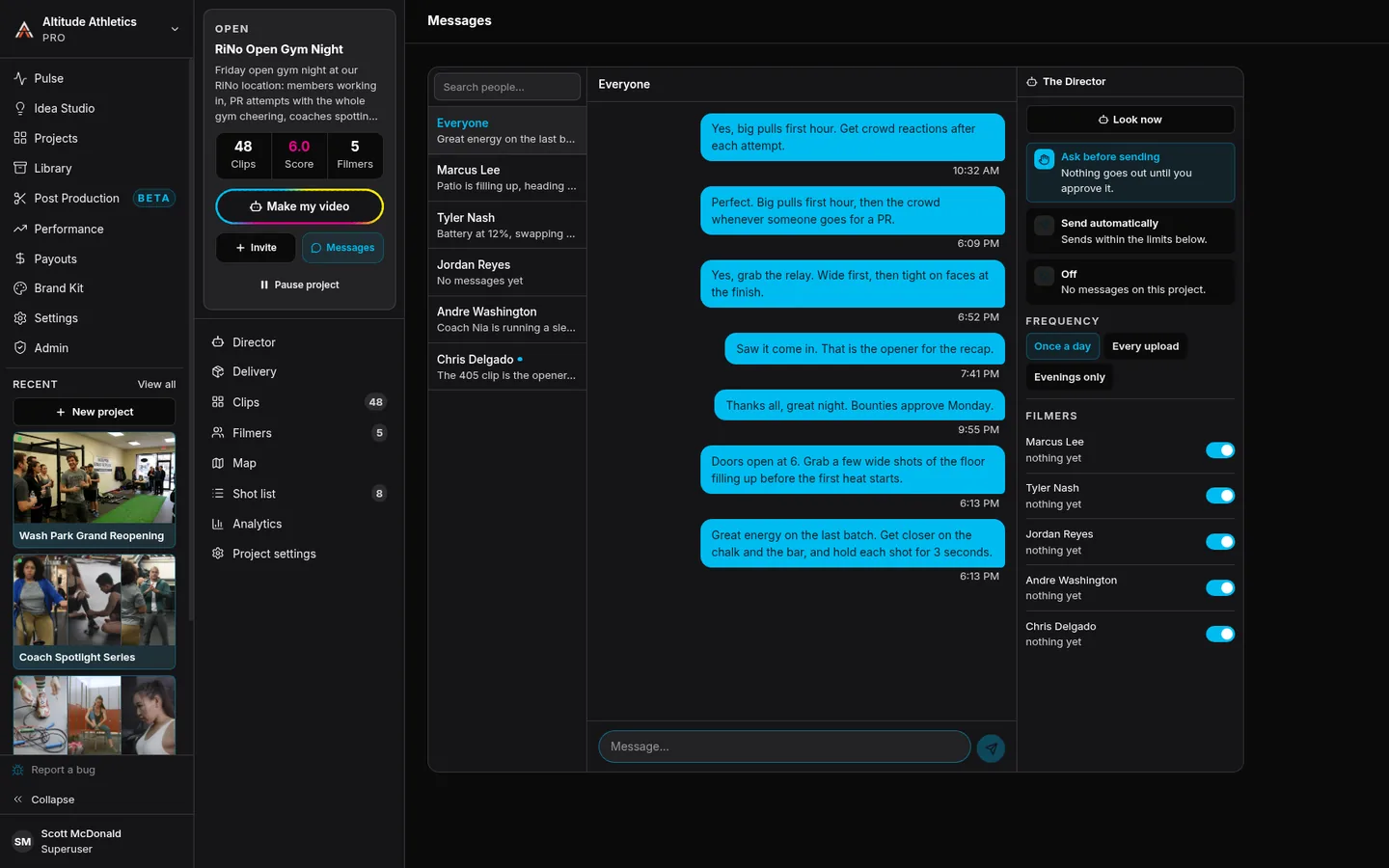
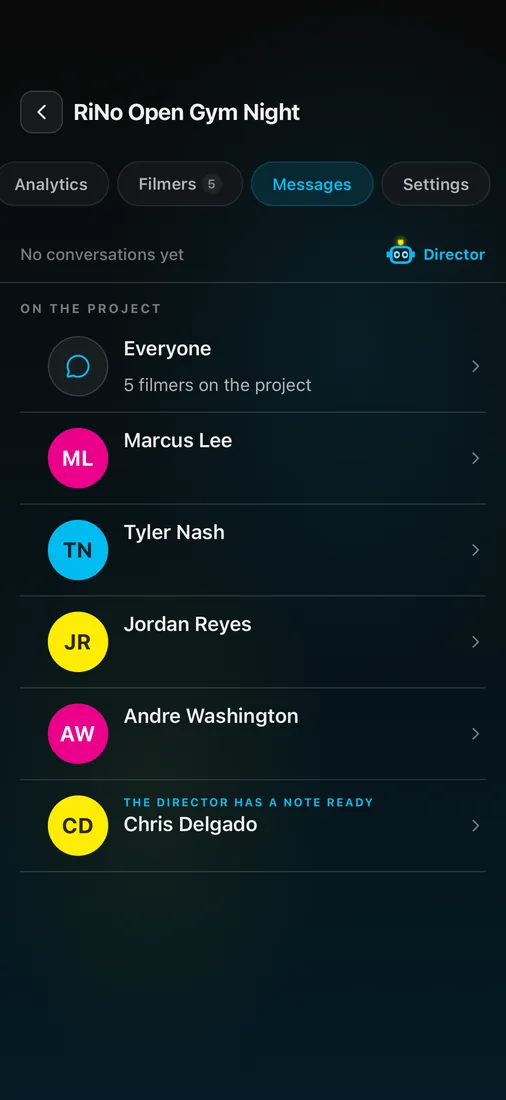
Watch clips land as people film. Message one filmer or all of them, or send a direction mid-shoot: it hits their phone as a notification while the camera is up. Course-correct in the moment, not after the footage is home.
Footage that grades itself
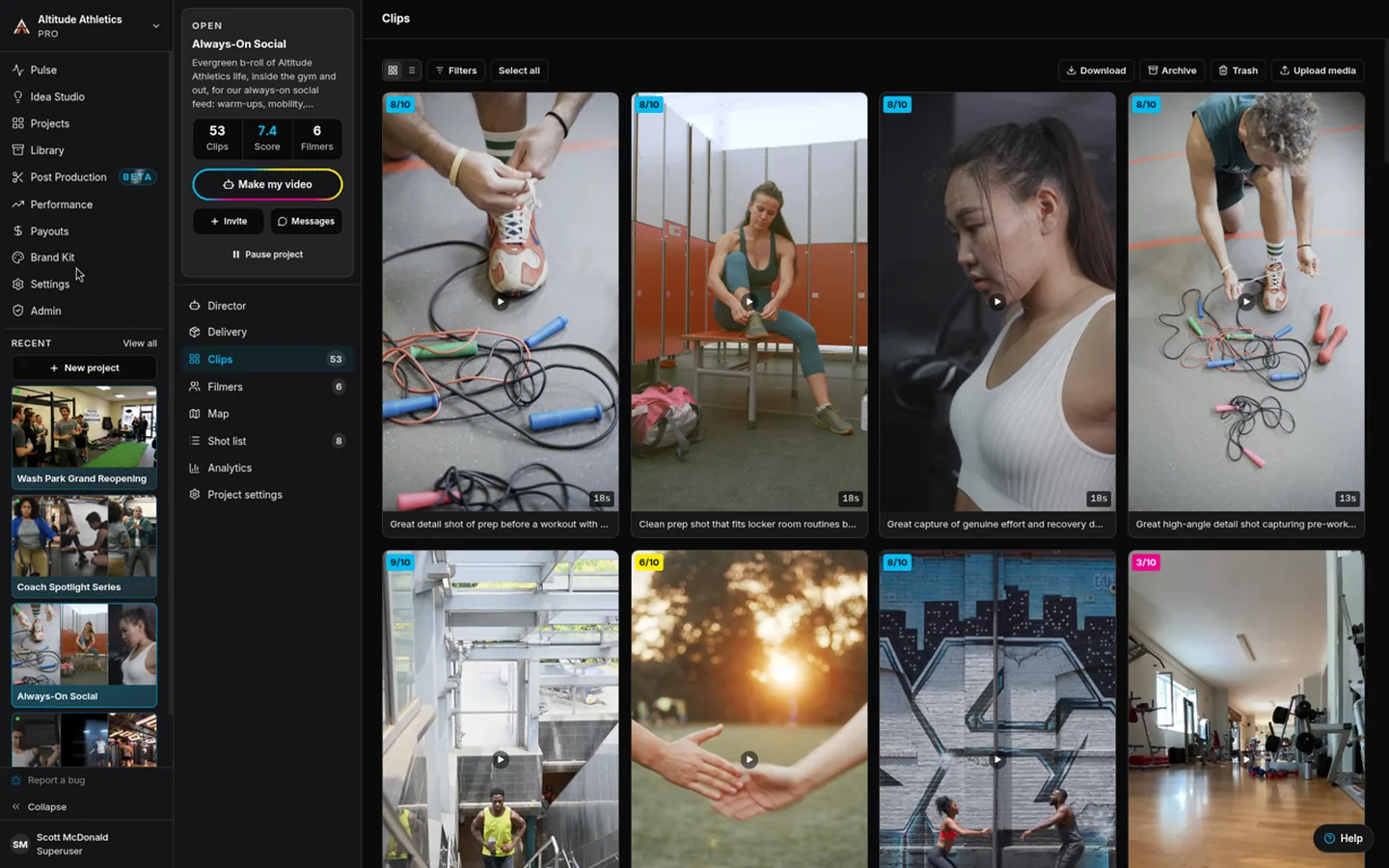
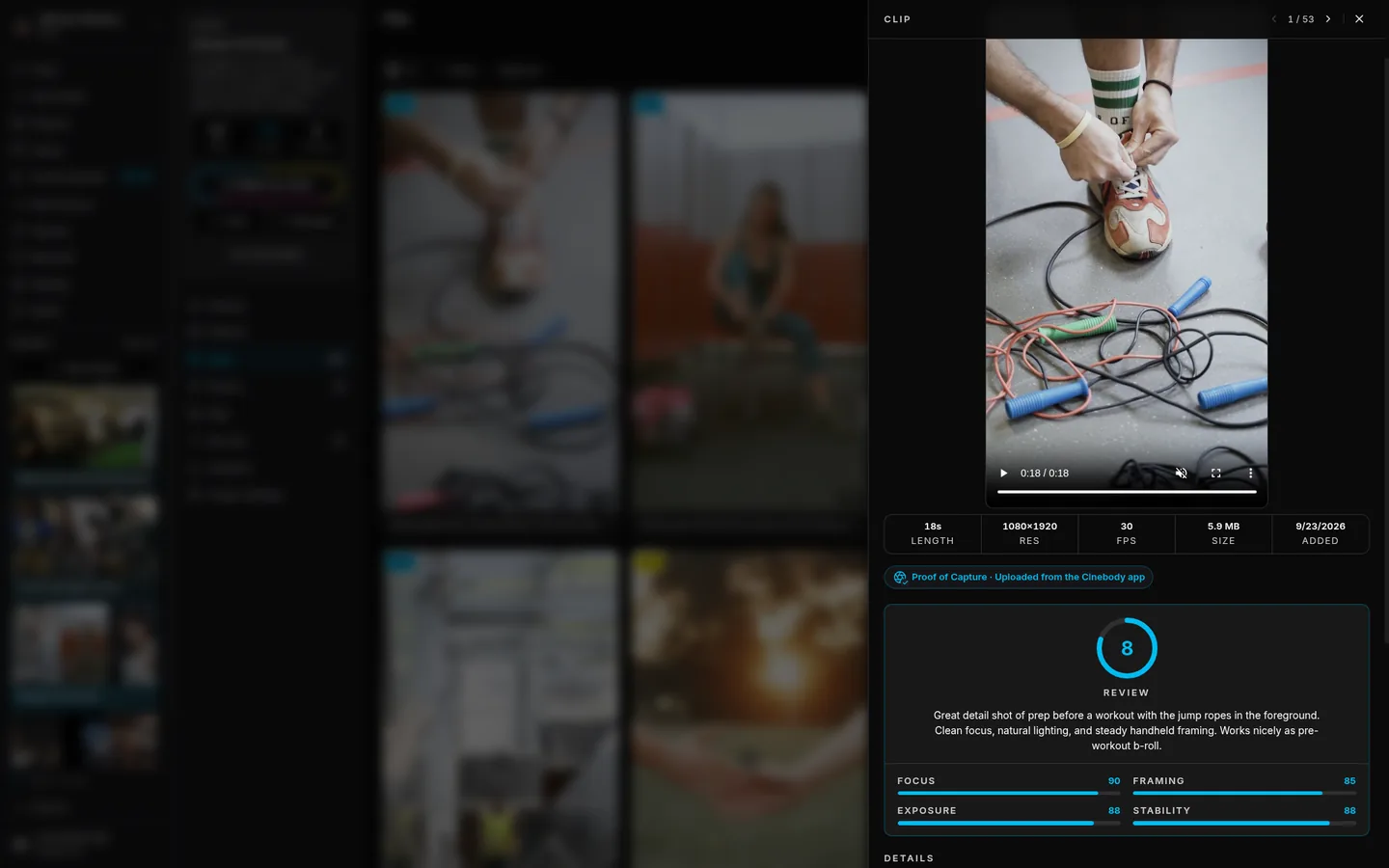
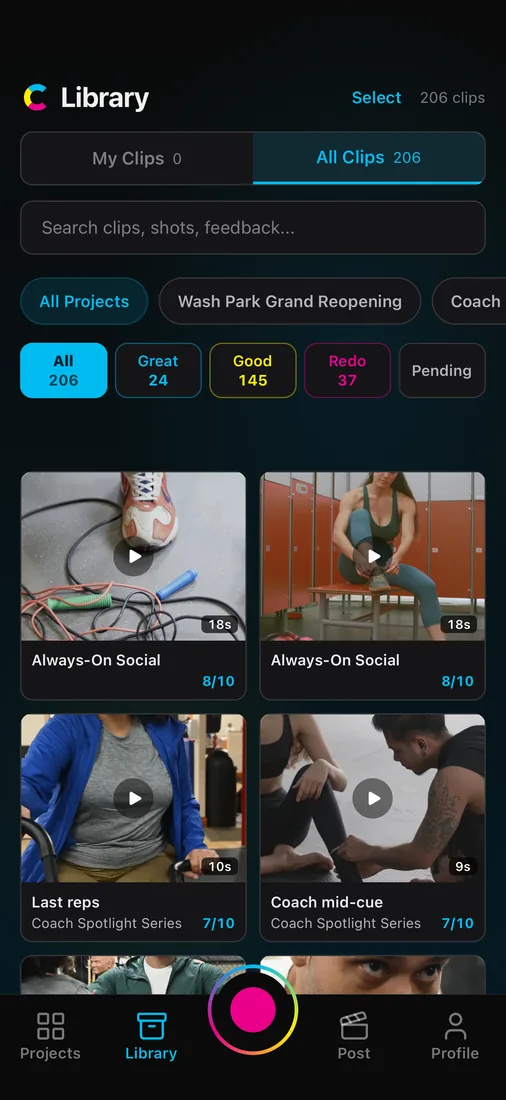
Every clip lands transcribed and scored: audio, stability, focus, exposure, framing, plus a plain verdict and what would make it better. Open any clip for the full review, and search everything by what people actually said.
Incentivize your best filmers
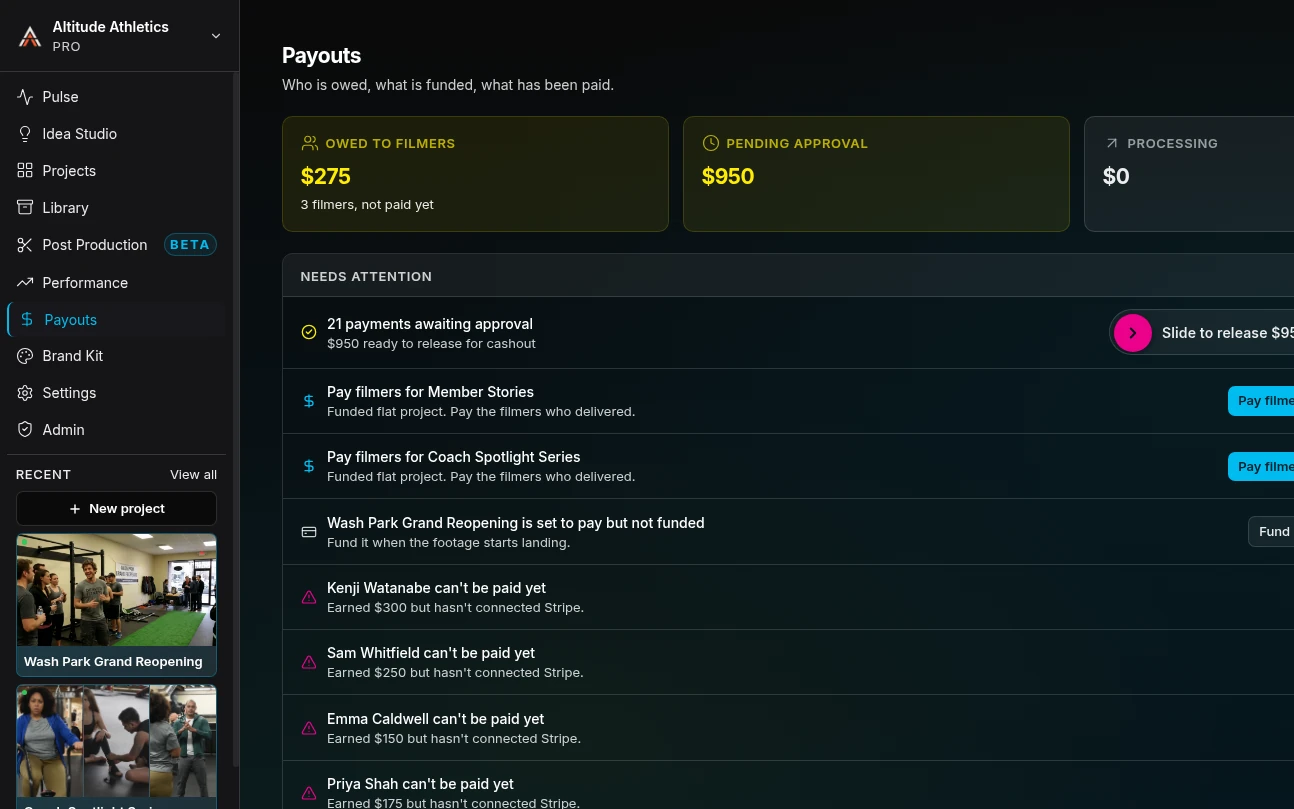
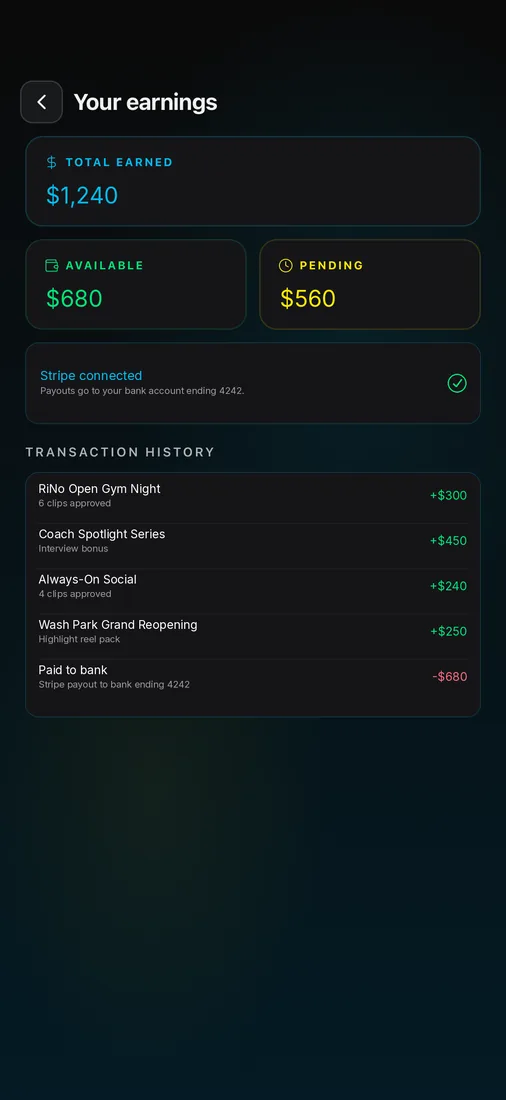
The best footage deserves real money behind it: a flat rate or a per-clip bounty, your call per project. Filmers see what it pays before they film, connect Stripe once in the app, and the money lands the moment you approve.
From a pile of clips to a timeline in one click
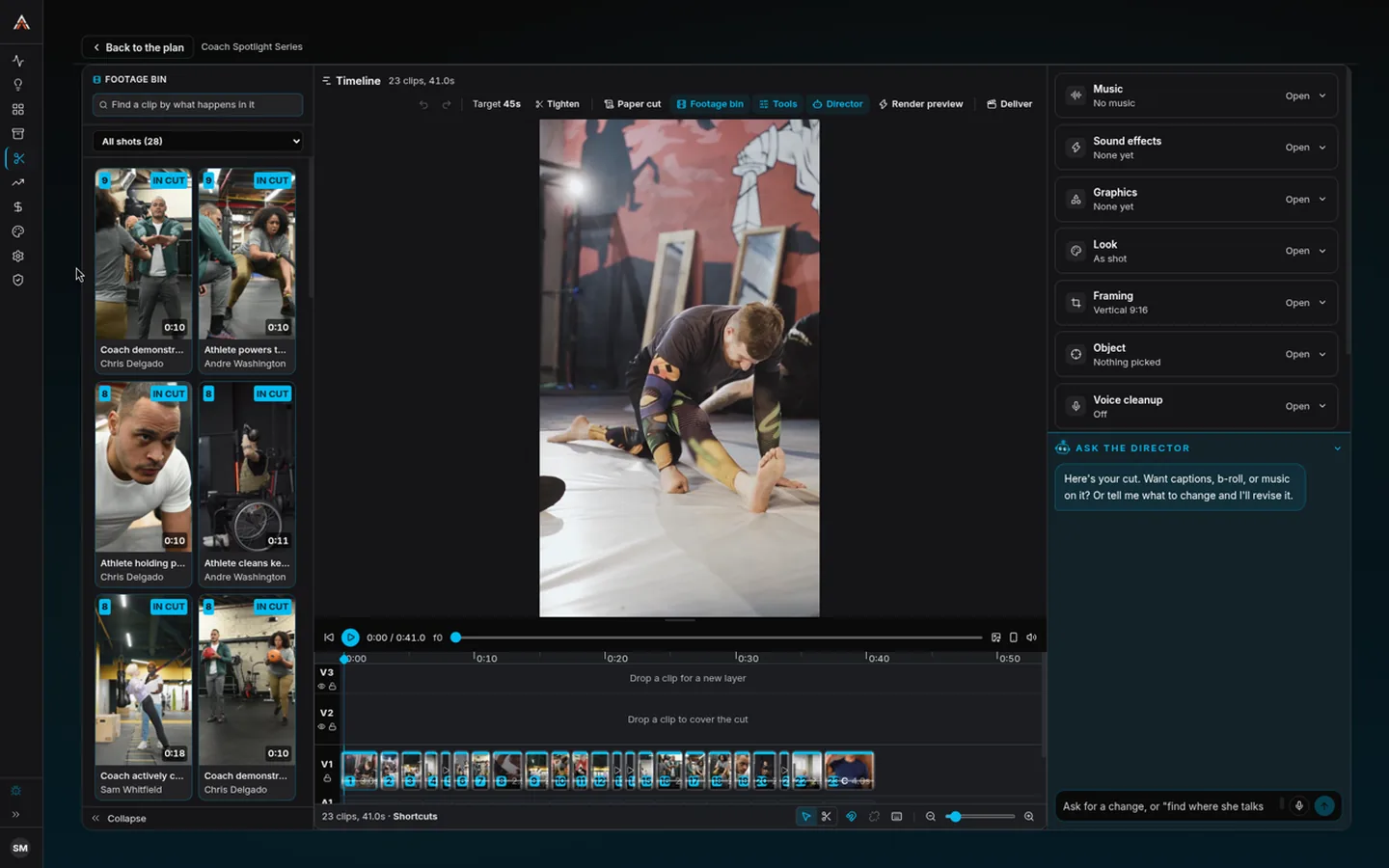
Cinebody reads all your footage, tells you the story it found, and one click builds the cut: best takes in order, B-roll over the seams, captions, music. Don't love it? Type a note like "get to the hook faster" and it revises just that.
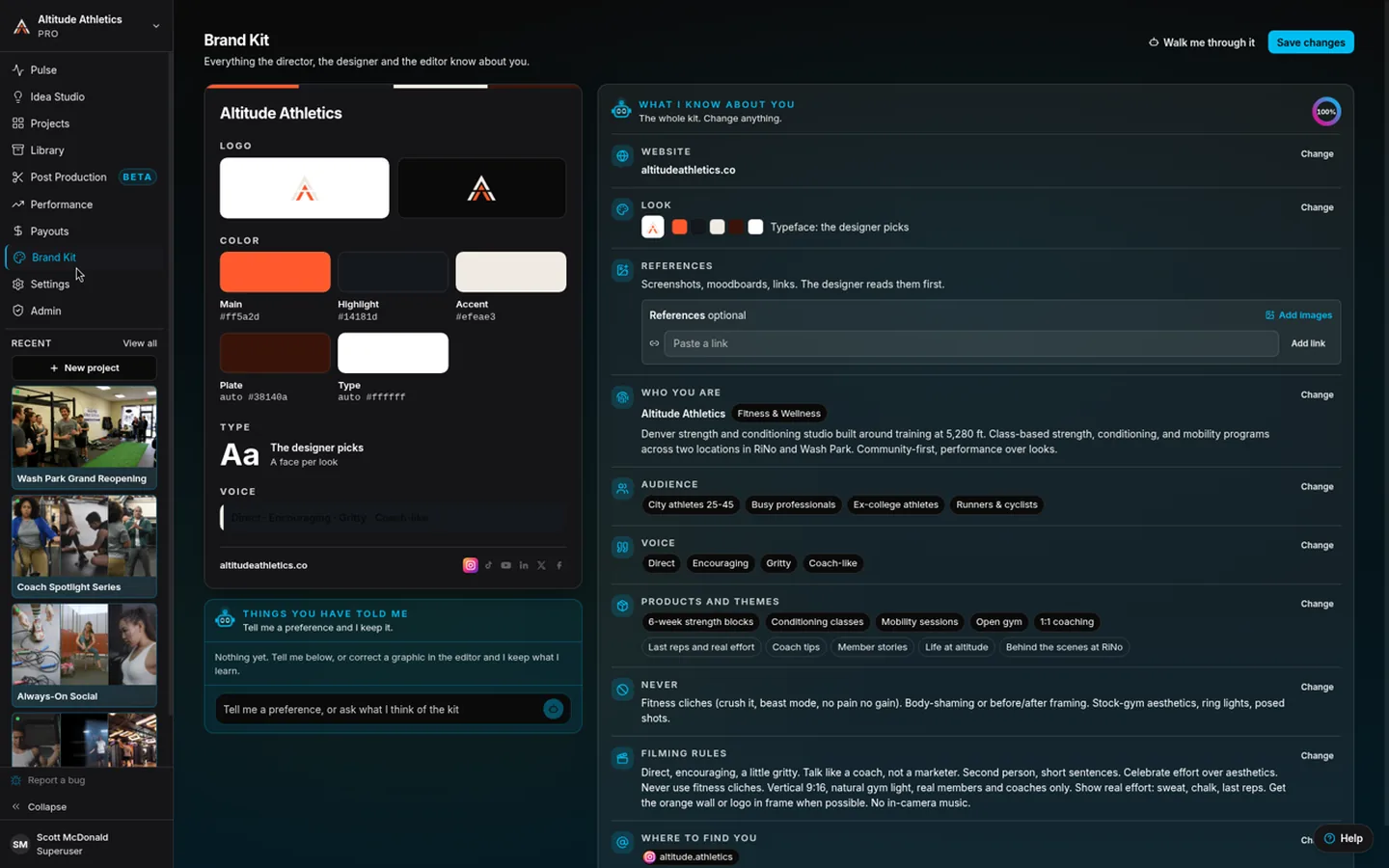
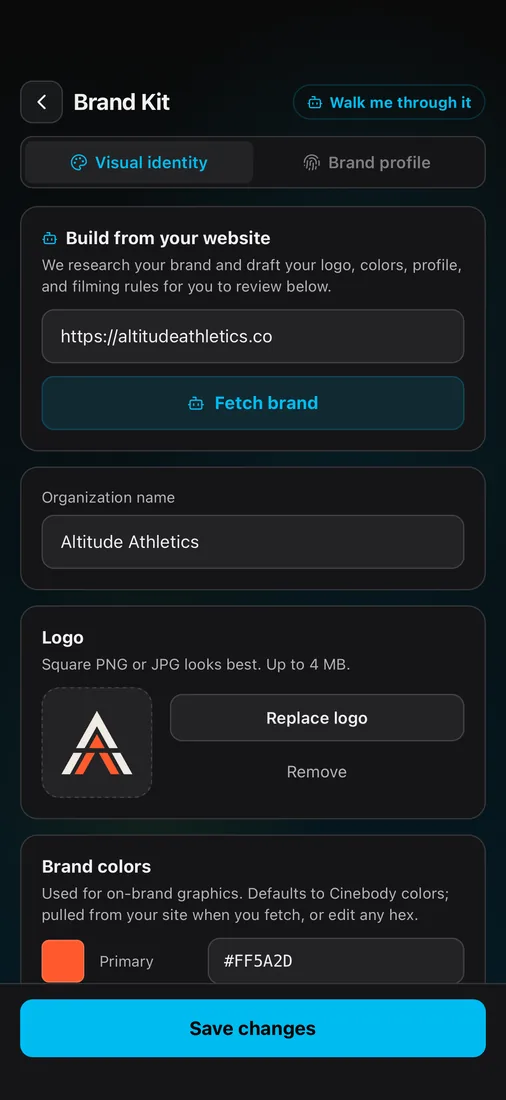
Your brand, learned once
Point it at your website and it drafts your logo, colors, voice, and filming rules. From then on, every shot list, cover, caption, and cut stays on brand automatically.
Proof the footage is the footage
The moment a clip lands, Cinebody fingerprints the original file and signs a receipt: when it arrived, the phone it came from, and that nothing has changed since. The receipt stays attached through the edit, so the finished cut shows your client every clip inside it, and each one can be checked.
Proof of Capture · 6 of 6 source clips verified
- 01Opening line, to cameraVerified
- 02Walking into workVerified
- 03Hands on the productVerified
- 04Customer interviewVerified
- 05The team, candidVerified
- 06Closing lineVerified
Each receipt says a file with exactly those bytes reached Cinebody at that moment, from that phone, and that Cinebody signed it. It does not judge what the footage shows.
Want it fully handled? We'll run the whole thing.
Some teams run Cinebody themselves. Others want it off their plate entirely. Our creative producers run your whole program on the platform, so you get finished, on-brand video without hiring or managing a thing.
Because Cinebody does the production heavy lifting, our team delivers more, faster, for far less than a traditional agency.
Explore ServicesStrategy
We shape what to make and why, tied to your goals.
Casting & direction
We find and motivate your filmers, build the briefs, and guide everyone on camera.
Post production, elevated
The auto-editor gets the fast cut. Our editors add the polish, graphics, and finish.
Your producer
One point of contact who owns your program end to end.
Pick the plan that fits how you work.
Run it yourself or bring in our team. Either way, you're getting real content from real people, at a fraction of traditional production costs.
- 1 project, 1 admin seat
- Up to 3 people filming at once
- 10 GB cloud storage
- The Cinebody app
- Live coaching in the camera
- 1 AI-edited video a month in the app, with 1080p export and a Cinebody end card
- Unlimited projects, 2 admin seats
- Up to 10 people filming at once
- 100 GB cloud storage, real-time sync
- The full platform, app and desktop
- 5 AI-edited videos a month in the app, with clean 1080p export
- Patented AI-powered production
- AI Voice Interviews, Shot Lists and Clip Review
- Email & FAQ support
- 5 admin seats, up to 50 people filming at once
- 500 GB cloud storage
- AI Auto Editor on desktop, with the timeline
- Unlimited revisions; 1080p or 4K export
- Captions, motion graphics, music and sound
- Idea Studio
- Advanced exports
- Dedicated Support
- Custom admins, storage & edits
- No cap on people filming
- Concierge support
- SSO Integration
- Custom legal
- API Access
- Custom integrations (DAM, Drive)
- Strategic Producer